



























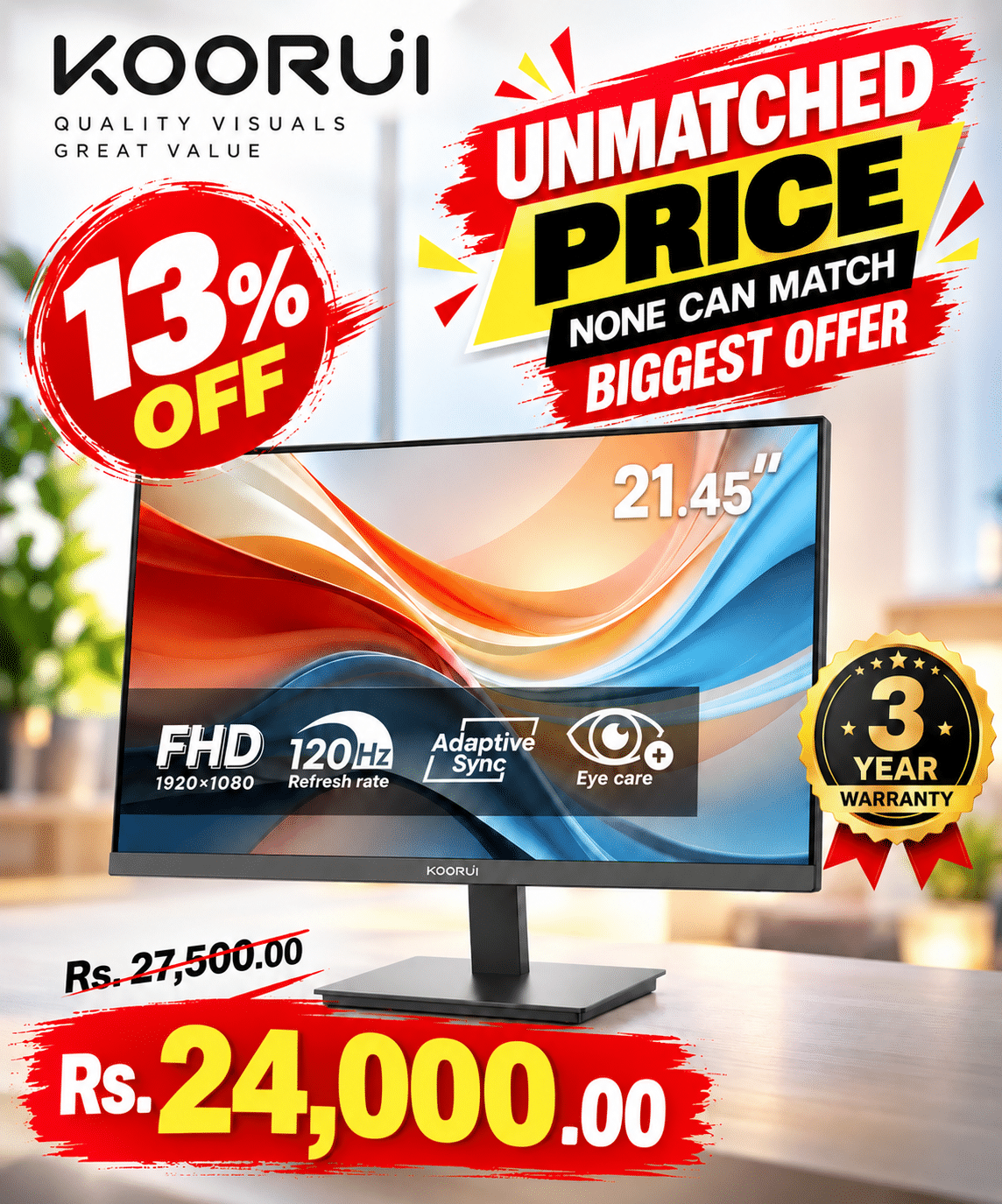
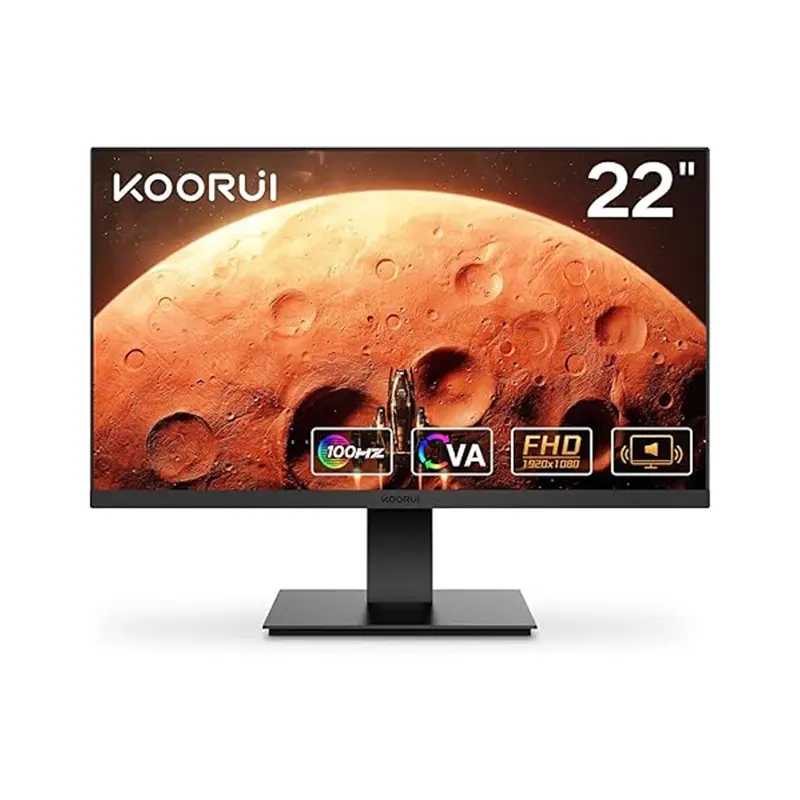
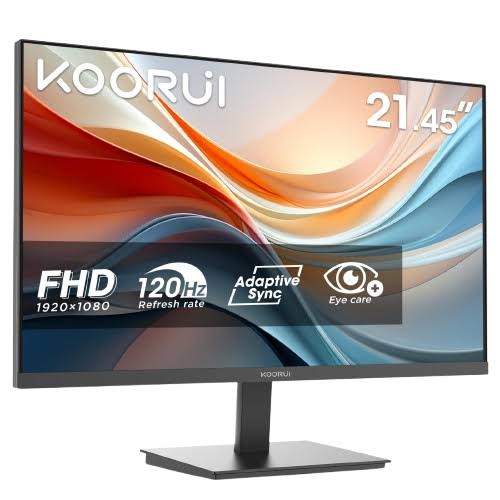
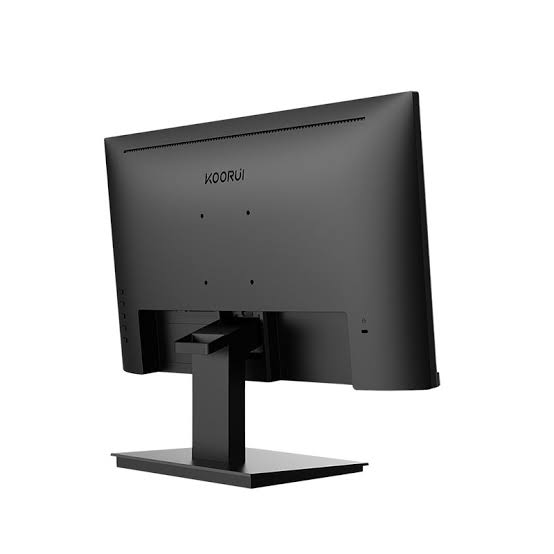

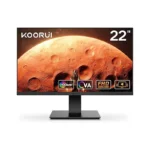







KOORUI 21.5-inch Monitor 100Hz FHD SRGB 99% (3 Year Warranty)
| 🏦 BANK TRANSFER /💰 CASH PAYMENT |
රු 26,666.67
රු 24,000.00
-10% OFF
|
|
🟢 KOKO / MintPay
Pay in 3 hassle-free parts
|
රු 8,888.89 × 3
Total: රු 26,666.67
|
| 💳 VISA / MASTER / AMEX |
රු 26,666.67
රු 25,333.33
-5% OFF
Powered by Genie Business
|
- 21.5-inch Full HD VA monitor
- with a 100Hz refresh rate
- 99% sRGB colour.
- HDMI and VGA inputs make it an affordable,
- smooth everyday screen for home, office and study.
| Weight | 5 kg |
|---|
KOORUI S01 21.5-inch 100Hz FHD SRGB 99% Monitor
Product Overview
The KOORUI S01 is a 21.5-inch Full HD monitor with a 100Hz refresh rate, so scrolling, video and casual games feel smoother than on a standard 60Hz screen.
Its VA panel covers 99% of sRGB for natural colour with good contrast, ideal for everyday work and entertainment.
HDMI and VGA inputs work with both new and older computers.
KOORUI E2212F 22 inch 1080P 100Hz LCD Gaming MonitorScreen Size 22 inch [Panel type] VA [Maximum resolution] FHD (1920×1080) Aspect ratio 16:9 Contrast ratio-3000:1 [Brightness] 250nit Color gamut 99% sRGB [Other features] Tilt angle Adjustable (up and down -5 to 15°), equipped with a speaker, you can enjoy the sound.
Features High refresh rate of 100Hz and response speed of 4ms for smoother images. FreeSync technology is also installed (G-Sync compatible), and by synchronizing the refresh rate of the GPU and the display, you can achieve the best gaming experience without tearing, stuttering, or screen lag. It is the best gaming monitor for FPS/TPS and action games.
Overwhelming Contrast Ratio The KOORUI 21.5-inch gaming monitor uses a “VA panel” that has excellent light blocking properties and a clear black color, and has a much higher contrast ratio compared to TN and IPS panels. It is a panel that can be taken out.
Data Interface HDMI (1.4) x 1, VGA x 1, audio terminal, built-in speaker, VESA arm compatible (75x75mm) [Main accessories] HDMI cable (1.4), adapter, stand, instruction manual. Dimensional Weight WxHxD(mm): 495x394x181mm; Weight 3.61kg Packing Dimensions WxHxD(cm): 558x379x122mm; Power Consumption 12V2A
Warranty/Support 3-year warranty With a 3-year warranty service, the screen may not be displayed if the export signal source is improperly installed or the signal cable is improperly connected
| Screen Size | 21.5-inch |
|---|---|
| Panel Type | VA |
| Resolution | 1920 x 1080 (Full HD) |
| Refresh Rate | 100Hz |
| Response Time | 5ms |
| Color Gamut | 99% sRGB |
| Video Inputs | HDMI, VGA |
Related products
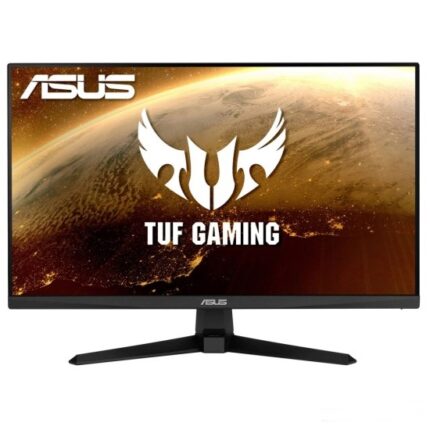
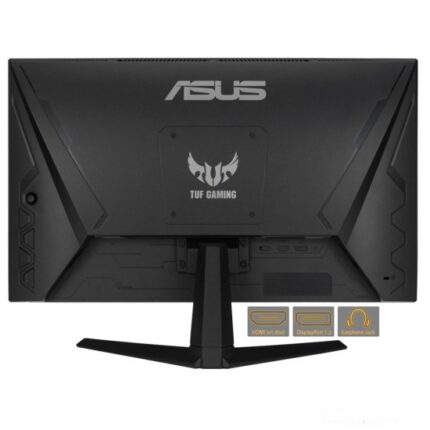
ASUS TUF GAMING VG249Q1A 24 IPS GAMING MONITOR- (3Y)

ASUS TUF VG279QE5A 27″ FHD IPS 146HZ BRAND NEW MONITOR (3 Years )
The ASUS TUF VG279QE5A is a 27-inch Full HD IPS gaming monitor built for smooth, responsive gameplay. With a 146Hz refresh rate, 1ms MPRT response time, Adaptive-Sync, ELMB Sync, and wide 178° viewing angles, it combines gaming-focused performance with useful features for everyday entertainment and work.
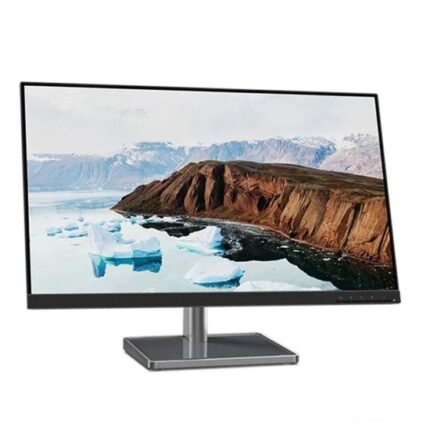
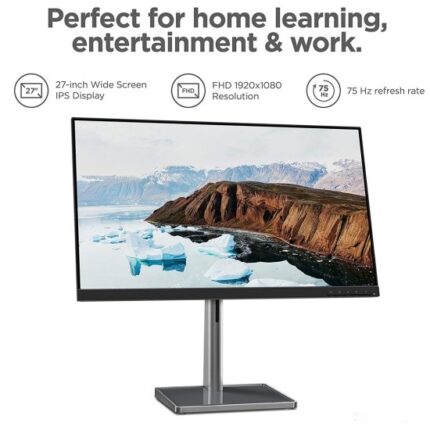
LENOVO L27M-30 27″ INCH FHD USB TYPE C MONITOR- (3Y)
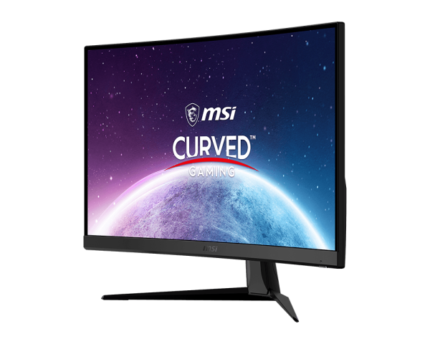
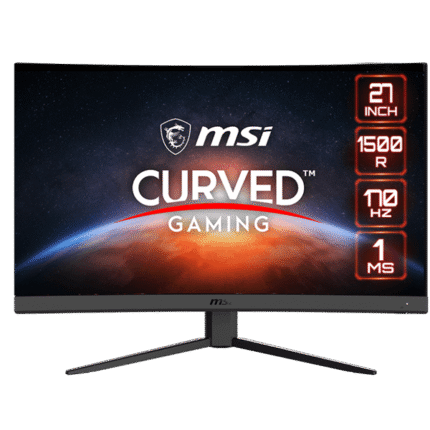
MSI OPTIX 27 INCH FHD CURVED GAMING MONITOR- (3Y)
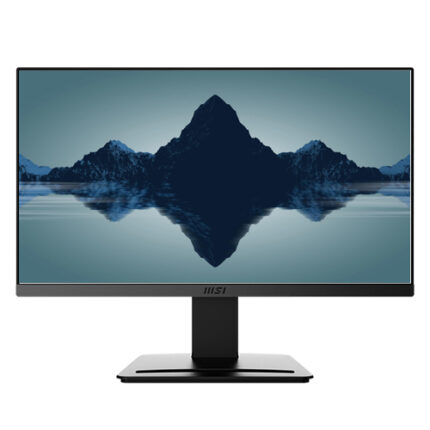
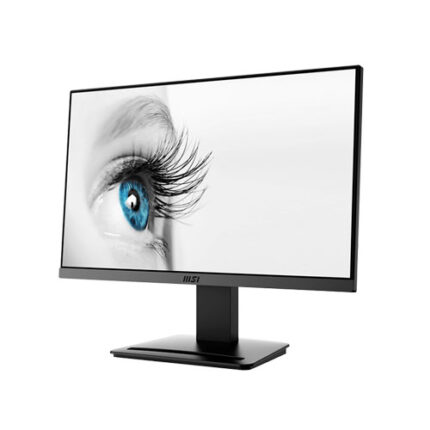
MSI PRO MP223 MONITOR


NB Dual Monitor Mount, Dual Monitor Stand fits up to 32 Inch, Mechanical Spring Monitor Arm, VESA 75/100 mm, Model-A5C (Black)


NB F80 Full Motion Swivel Ergonomic Monitor Arm with Gas Spring for 17-30”Computer Monitors – North Bayou
About this item
- Parameter - Monitor mount F80 fits most 17'' to 30'' monitor, gas spring monitor arm with the load from 4.4 to 19.8 lbs, VESA 75x75 & 100x100 mm
- Customize Adjustment - Built-in with ultra-precision gas-strut, allows +85° to -30° screen tilt adjustment, 360° rotation for landscape or portrait mode, upright lift 10"(260mm) and +90 to -90 degrees swivel angel, hold your monitors with an unparalleled range of motion
- Ergonomics - Using the robotic arm to adjust the display (height and angle) to fit the our posture, to reduce discomfort in the spine, neck, and shoulders caused by long-term work, gradually improving our overall health condition, enjoy it begin!
- Organized Management - The monitor mount is also designed with a cable management function - cable slot can route wires, it can keep cable organized and protected, free up desktop space and reduce clutter
- Easy to Install - Package with detailed instructions and all needed hardware. Firstly, install the product seat to the Desk or Wall, Secondly, Mount your monitor to the product, Thirdly, Push down the arm, it will be easy to adjust this tension screw accordingly to suit your monitor (Pls DON'T adjust the tension screw without the monitor on it )