



























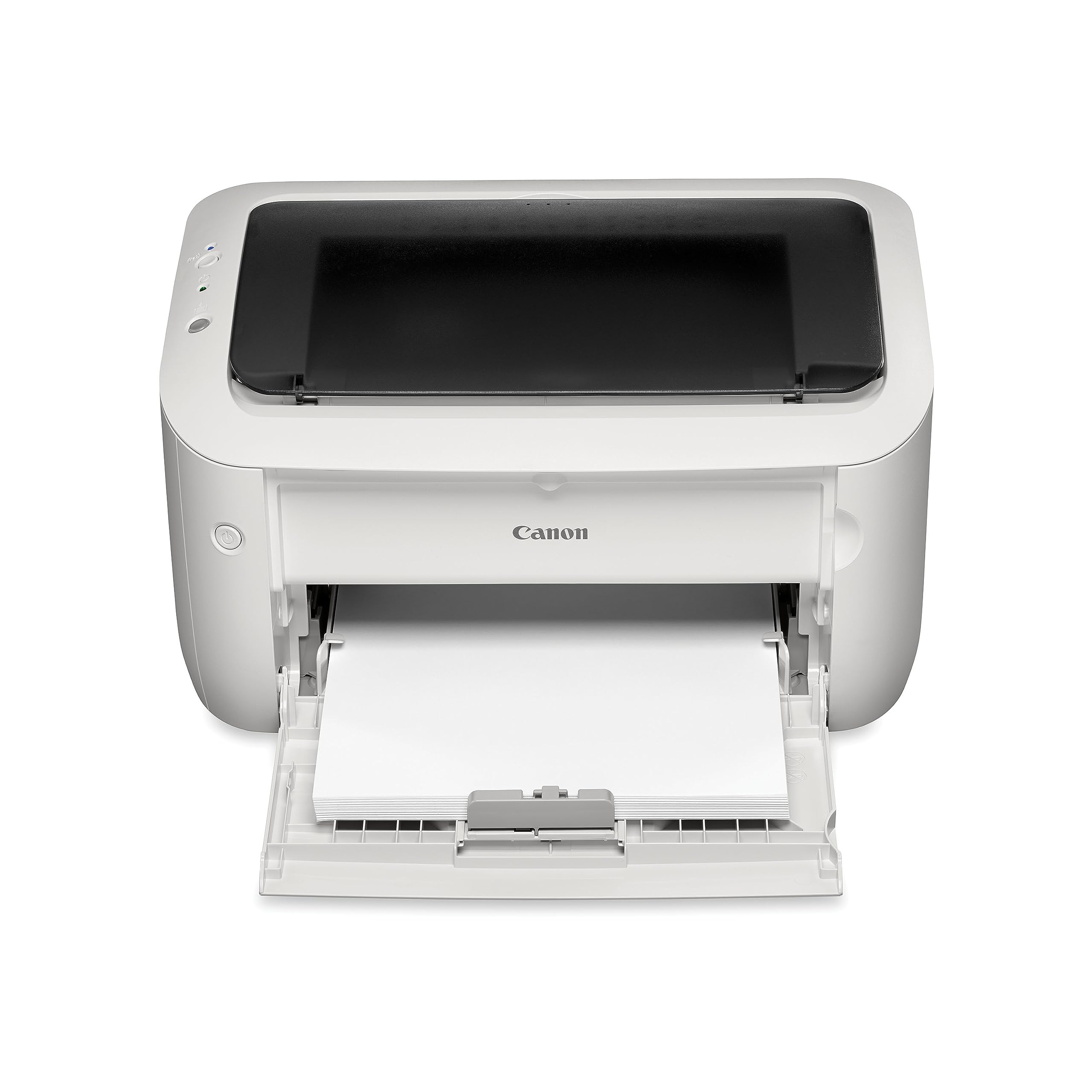
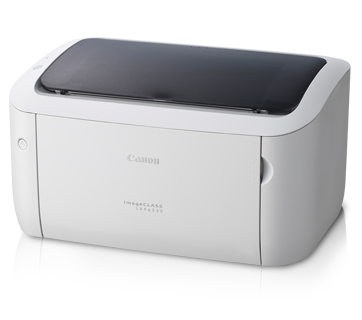
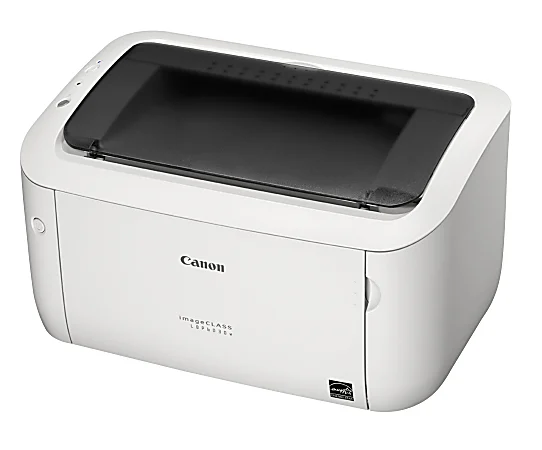
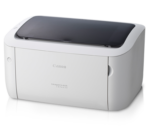
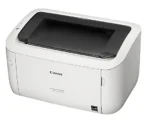
CANON IMAGECLASS LBP6030 LASER PRINTER- (1Y)
| 🏦 BANK TRANSFER /💰 CASH PAYMENT |
රු 51,666.67
රු 46,500.00
-10% OFF
|
|
🟢 KOKO / MintPay
Pay in 3 hassle-free parts
|
රු 17,222.22 × 3
Total: රු 51,666.67
|
| 💳 VISA / MASTER / AMEX |
රු 51,666.67
රු 49,083.33
-5% OFF
Powered by Genie Business
|
The Canon imageCLASS LBP6030 is a compact monochrome laser printer designed for fast, clear black-and-white document printing. With speeds up to 18 ppm, 600 × 600 dpi resolution, USB 2.0 connectivity, quick warm-up and an efficient all-in-one toner cartridge, it suits homes and small offices.
| Weight | 8 kg |
|---|
CANON IMAGECLASS LBP6030 LASER PRINTER- (1Y)
Product Overview
When most of your printing involves documents, reports, forms or other black-and-white pages, a dedicated monochrome laser printer can be a practical choice. The Canon LBP6030 Laser Printer is designed specifically for this type of everyday printing, combining a compact footprint with fast first-print performance and straightforward USB connectivity.
Unlike multifunction printers, the LBP6030 is a single-function printer. It is built for printing rather than scanning or copying, which keeps the device focused on its primary purpose. Its monochrome laser printing technology is particularly suited to users who regularly need clear text documents without requiring colour output.
The printer can produce up to 18 pages per minute on A4 paper, with a print resolution of 600 × 600 dpi and image refinement up to 2400 × 600 dpi. Canon’s On-Demand Fixing technology helps reduce warm-up time and power consumption compared with conventional fusing designs. Canon also describes the LBP6030 as a compact mono laser printer suitable for personal and small-office use.
For Sri Lankan homes, home offices and small businesses that mainly print documents, the Canon LBP6030 Laser Printer Sri Lanka is a straightforward option to consider when colour printing and scanning are not priorities.
Key Benefits
- Fast monochrome printing: Print at up to 18 pages per minute on A4 paper.
- Sharp document output: 600 × 600 dpi resolution with image refinement up to 2400 × 600 dpi.
- Quick first print: Approximately 7.8 seconds for the first printout under the stated conditions.
- Compact footprint: Designed to fit comfortably on a desk without taking up excessive space.
- Efficient operation: On-Demand Fixing technology helps reduce warm-up time and energy use.
- Simple USB connectivity: Uses a Hi-Speed USB 2.0 interface for connection to a computer.
- Easy toner replacement: Cartridge 325 combines the toner reservoir, photosensitive drum and cleaning unit into one cartridge.
- Single-function design: Focuses specifically on black-and-white printing.
Features & Specifications
| Feature | Specification |
| Brand | Canon |
| Model | LBP6030 |
| Printer Type | Monochrome Laser |
| Function | Print only |
| Print Speed | Up to 18 ppm (A4) |
| Print Resolution | 600 × 600 dpi |
| Image Refinement | Up to 2400 × 600 dpi |
| Warm-Up Time | 10 seconds or less |
| First Printout Time | Approx. 7.8 seconds |
| Standard Paper Input | 150 sheets |
| Paper Output | 100 sheets, face down |
| Paper Weight | 60–163 g/m² |
| Interface | Hi-Speed USB 2.0 |
| Memory | 32 MB |
| Toner | Canon Cartridge 325 |
| Dimensions | Approx. 364 × 249 × 199 mm |
| Weight | Approx. 5 kg |
| Warranty | 1 Year |
| Wireless | No Wi-Fi on the LBP6030 |
| Recommended Monthly Volume | 200–800 pages |
| Maximum Monthly Duty Cycle | Up to 5,000 pages |
The specifications above are based on the supplied product information and the current Zoom360 product listing.
How It Works and Why It Matters
Monochrome Laser Printing for Everyday Documents
The LBP6030 uses monochrome laser printing, meaning it produces black-and-white output rather than colour prints. This makes it particularly appropriate for documents where clear text is more important than colour reproduction.
For example, it can be used for office documents, invoices, reports, forms, study material and other routine paperwork. If your printing needs are primarily text-based, a dedicated monochrome printer can keep the setup simple.
The printer’s rated speed of up to 18 pages per minute also means you do not have to wait as long when printing multiple pages. Canon’s official information lists the LBP6030B variant with 18 ppm printing and a quick first-print time of 7.8 seconds.
Quick Warm-Up and First Print
One of the useful features of this printer is Canon’s On-Demand Fixing technology. Instead of relying on a conventional fusing roller design, the system is designed to warm up quickly and use less energy.
The supplied specifications state a warm-up time of 10 seconds or less and a first printout time of approximately 7.8 seconds. That can be particularly useful when printing a document occasionally rather than sending large batches of pages.
For a home office or small business, quicker first-print performance means less time waiting for the printer to become ready.
Print Quality for Clear Text
The LBP6030 provides a standard print resolution of 600 × 600 dpi, with image refinement quality up to 2400 × 600 dpi. This helps produce sharp-looking black text and detailed document output.
For users printing contracts, reports, invoices, letters and study documents, clear text is usually one of the most important considerations. The printer is therefore designed around the needs of users who primarily print conventional documents rather than photographs or colour graphics.
150-Sheet Paper Capacity
The standard paper input tray can hold up to 150 sheets, while the output capacity is up to 100 sheets face down according to the supplied specifications.
This provides enough capacity for routine home and small-office printing without requiring constant paper replacement during shorter print jobs.
The printer supports several paper sizes, including A4, B5, A5, Legal, Letter and Executive, along with supported envelope formats and custom sizes. Supported paper weight is listed from 60 to 163 g/m².
Cartridge 325 and Simple Maintenance
The Canon LBP6030 uses an all-in-one Cartridge 325. The cartridge combines the photosensitive drum, cleaning unit and toner reservoir into one compact unit.
This approach simplifies cartridge replacement because the main consumable components are integrated into a single cartridge. The supplied specifications list a standard cartridge yield of around 1,600 pages, while the bundled cartridge is typically around 700 pages.
Actual yield can vary depending on printing conditions, page coverage and usage, so the stated page figures should be treated as reference values rather than a guarantee for every user.
USB 2.0 Connectivity
The LBP6030 uses a Hi-Speed USB 2.0 interface for computer connectivity. It is important to distinguish this model from the LBP6030W, which is the wireless version.
The standard LBP6030 therefore makes more sense for users who are comfortable connecting the printer directly to a compatible computer rather than requiring built-in Wi-Fi connectivity.
Who Is It For?
The Canon LBP6030 is well suited to home users, students, home-office workers and small businesses that primarily need black-and-white document printing.
For students, its compact size and document-focused printing make it suitable for assignments, notes and study material. Home-office users can use it for forms, invoices and everyday paperwork, while small businesses can use it for routine administrative documents.
It is less suitable for someone who needs colour printing, scanning, copying or built-in wireless connectivity. In those situations, a multifunction or wireless printer would be a better match.
Why It Makes Sense for Sri Lankan Buyers
For many Sri Lankan homes and small businesses, desk space can be limited. The LBP6030’s compact dimensions of approximately 364 × 249 × 199 mm make it easier to position on a desk without dedicating a large area to the printer.
Its monochrome design is also useful when most printing consists of text-based documents. Instead of paying for features you may not need, you can choose a printer focused on black-and-white output.
The printer’s energy-conscious features are another consideration. Canon’s On-Demand Fixing technology is designed to reduce warm-up time and power consumption, while sleep and auto-shutdown settings can help reduce energy use when the printer is idle.
If you are comparing other printing options, you can browse Zoom360’s Printers collection to see alternative Canon and other-brand models.
What to Consider Before Buying
The first thing to consider is what you actually need to print. The LBP6030 is monochrome and single-function, so it is a good fit for black-and-white documents but not for colour printing, scanning or copying.
Next, consider connectivity. The standard LBP6030 uses USB 2.0 and does not have Wi-Fi. If wireless printing is important, you should compare it with a wireless model such as the LBP6030W rather than assuming the standard LBP6030 includes wireless connectivity.
Your expected print volume is another consideration. The supplied specifications recommend a monthly volume of approximately 200–800 pages, with a maximum monthly duty cycle of up to 5,000 pages.
Finally, consider toner availability and running requirements before purchasing. The printer uses Cartridge 325, so checking compatible consumables is worthwhile if you expect to print regularly.
Related Products & Accessories
If you are building a complete printing setup, Zoom360 also offers a range of cartridges and toners for different printer models.
You can also browse the wider computer accessories collection for other equipment that may be useful with a home-office or small-business setup.
If scanning and copying are important to you, consider looking at multifunction printers instead of choosing a dedicated single-function laser printer.
FAQs
Is the Canon LBP6030 a colour printer?
No. The Canon LBP6030 is a monochrome laser printer designed for black-and-white printing.
Does the Canon LBP6030 support Wi-Fi?
The standard LBP6030 does not have Wi-Fi. It uses a Hi-Speed USB 2.0 interface. The LBP6030W is the wireless variant, so buyers should make sure they select the correct model.
How fast can the Canon LBP6030 print?
The printer can print up to 18 pages per minute on A4 paper according to the supplied specifications.
What toner does the Canon LBP6030 use?
The printer uses Canon Cartridge 325. The all-in-one cartridge integrates the toner reservoir, photosensitive drum and cleaning unit.
How much paper can the LBP6030 hold?
The standard paper input capacity is up to 150 sheets, while the output tray can hold up to 100 sheets face down.
Does the Canon LBP6030 scan or copy?
No. It is a single-function printer designed specifically for printing. If you need scanning and copying, you should consider a multifunction printer instead.
What is the warranty for this printer?
The product information supplied for this Zoom360 listing specifies a 1-year warranty.
Final Thoughts
The Canon LBP6030 Laser Printer Sri Lanka is a straightforward choice for users who want a compact, dedicated monochrome printer without unnecessary multifunction features. Its 18 ppm print speed, clear 600 × 600 dpi output, quick first-print performance and 150-sheet paper capacity make it well suited to everyday document printing.
The On-Demand Fixing system also helps the printer warm up quickly while supporting more efficient operation, and the all-in-one Cartridge 325 simplifies routine toner replacement.
If your priority is reliable black-and-white document printing for a home, study area or small office, the Canon imageCLASS LBP6030 offers a focused printing solution. Browse the available printer options at Zoom360 and choose the model that best matches your printing volume, connectivity requirements and everyday needs.
You may also like…
Related products
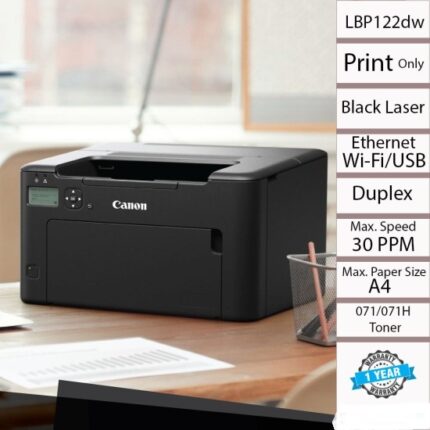
CANON IMAGECLASS LBP122DW – WIRELESS,2-SIDED LASER PRINTER- (1Y)


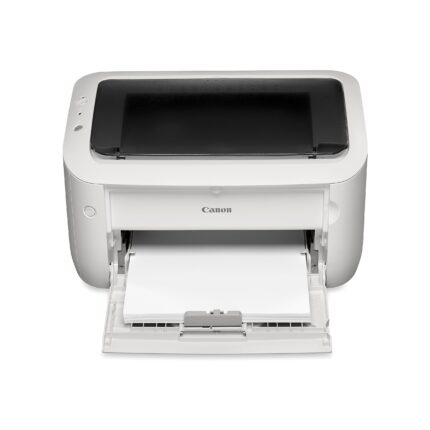
CANON IMAGECLASS LBP6030W WIFI LASER PRINTER- (1Y)
HP Color Laserjet Pro MFP M183FW Multifunction Printer
Xerox Phase 3020 Monochrome Wifi Laser Printer – (1Yr)