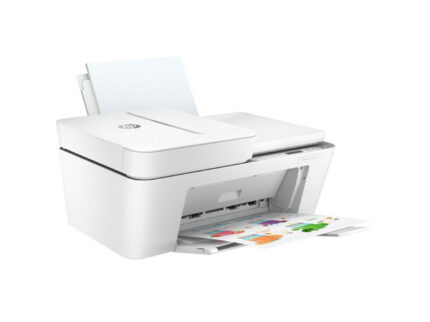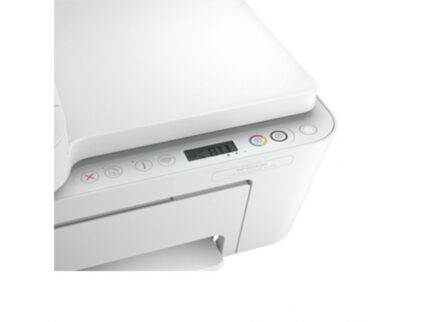



























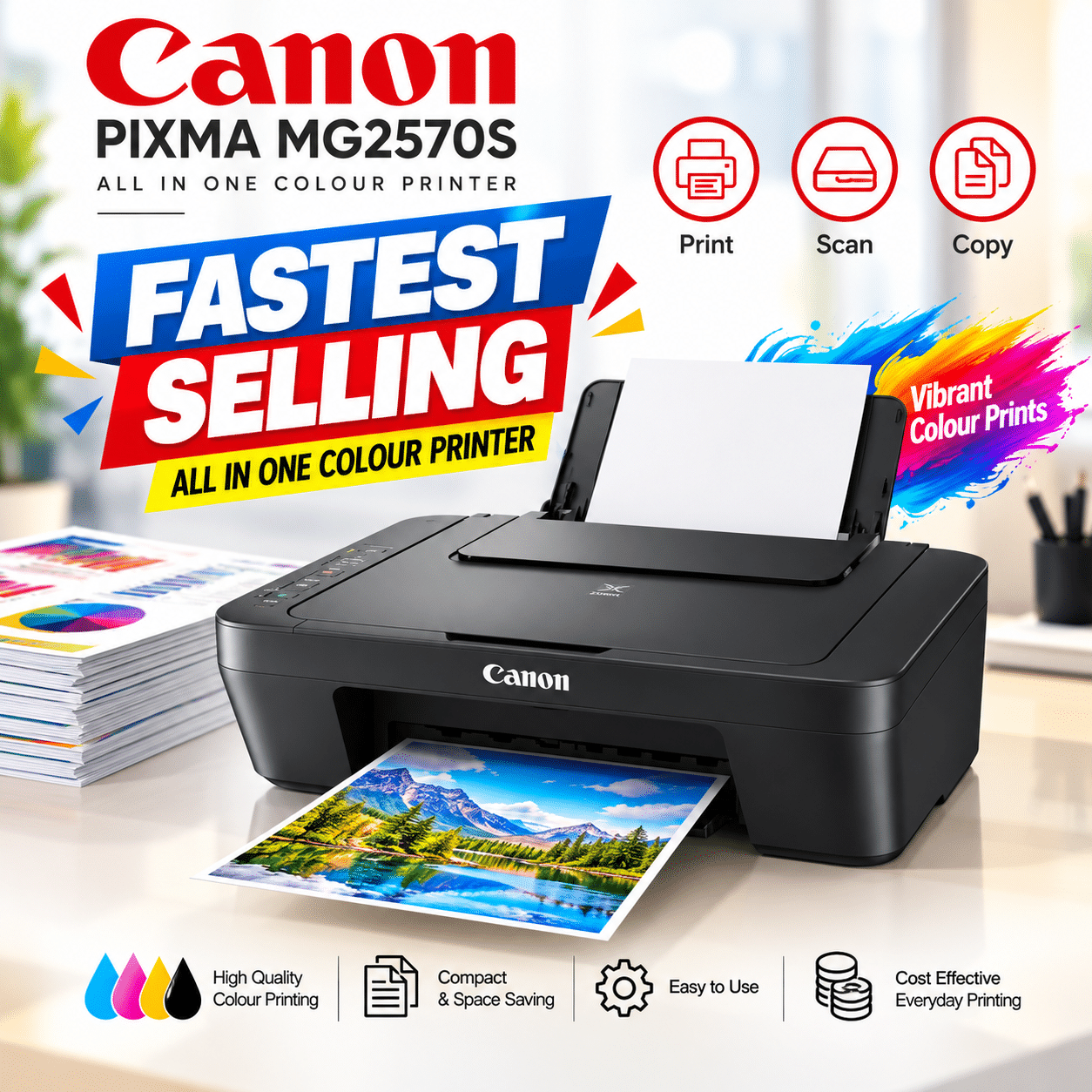
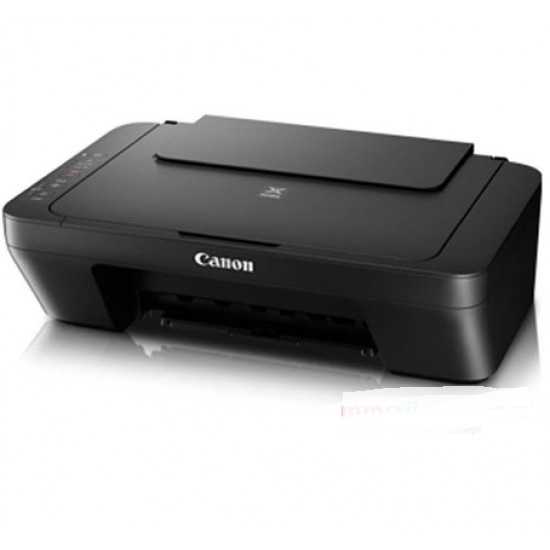
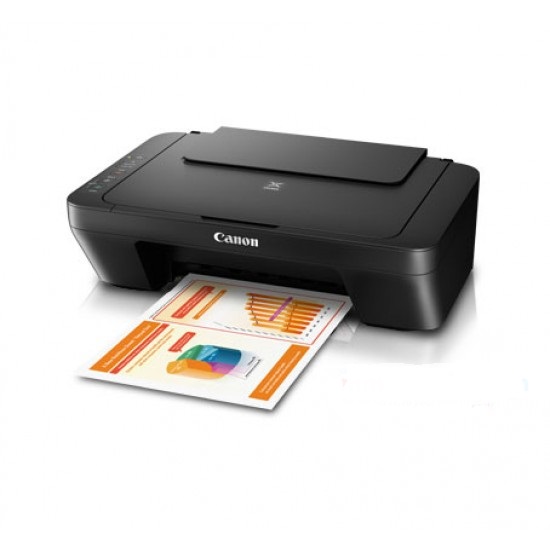




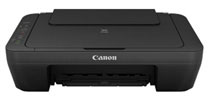
CANON PIXMA MG2570S PRINTER (PRINTER/COPY/SCAN)- (1Y)
| 🏦 BANK TRANSFER /💰 CASH PAYMENT |
රු 19,666.67
රු 17,700.00
-10% OFF
|
|
🟢 KOKO / MintPay
Pay in 3 hassle-free parts
|
රු 6,555.56 × 3
Total: රු 19,666.67
|
| 💳 VISA / MASTER / AMEX |
රු 19,666.67
රු 18,683.33
-5% OFF
Powered by Genie Business
|
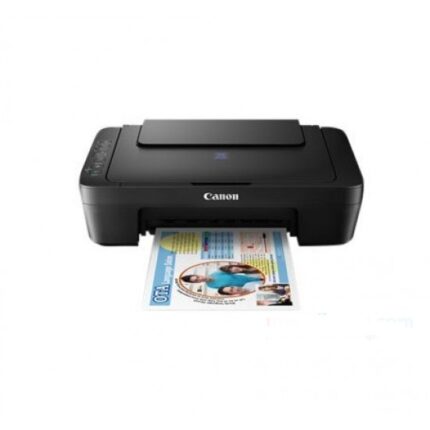
The Canon PIXMA MG2570S is a compact 3-in-1 inkjet printer designed for printing, scanning and copying. With up to 4800 x 600 dpi print resolution, 600 x 1200 dpi optical scanning and USB 2.0 connectivity, it is a practical choice for everyday home, study and light office tasks.
| Weight | 4 kg |
|---|---|
| Dimensions | 60 × 20 × 35 cm |
Canon Pixma MG2570s Printer (Print/Scan/Copy)
Product Overview
The Canon PIXMA MG2570S Printer is designed for users who want more than basic printing from a single compact device. It combines printing, scanning and copying in one unit, making it useful for everyday documents, schoolwork, forms and other routine tasks at home or in a small office.
Its compact design is particularly useful when desk space is limited. The printer measures approximately 426 x 306 x 145 mm according to Canon’s specifications, while the product information supplied for this listing identifies the model as MG2570S. Canon lists the printer’s approximate weight at 3.5 kg.
For customers looking for a straightforward multifunction printer, the MG2570S focuses on the functions that are most commonly needed: print documents, make copies and scan physical pages. It uses Canon’s FINE Cartridge system and supports PG-745S black and CL-746S colour cartridges, with higher-capacity PG-745, CL-746, PG-745XL and CL-746XL options also specified by Canon.
Key Benefits
Three functions in one device:
The MG2570S combines a printer, flatbed scanner and copier, helping reduce the need for separate devices.
Compact footprint:
At approximately 426 x 306 x 145 mm, the printer can fit comfortably into many home desks, shelves and smaller work areas.
Detailed print resolution:
The maximum print resolution is up to 4800 x 600 dpi, providing the resolution needed for everyday text documents and colour output.
Practical print speeds:
Canon rates the MG2570S at approximately 8.0 ipm for black-and-white document printing and 4.0 ipm for colour printing under the specified ISO test conditions.
Flatbed scanning:
The CIS flatbed scanner offers an optical resolution of 600 x 1200 dpi, making it suitable for digitising documents and other flat originals.
USB connectivity:
USB 2.0 Hi-Speed provides a straightforward wired connection to a compatible computer.
Features & Specifications
| Specification | Details |
|---|---|
| Product | Canon PIXMA MG2570S |
| Model | MG2570S |
| SKU | 2570 |
| MPN | MG2570s |
| Functions | Print / Scan / Copy |
| Printer type | Inkjet |
| Maximum print resolution | 4800 x 600 dpi |
| Print head | FINE Cartridge |
| Number of nozzles | 1,280 |
| Minimum ink droplet size | 2 pl |
| Black cartridge | PG-745S |
| Colour cartridge | CL-746S |
| Optional cartridges | PG-745, CL-746, PG-745XL, CL-746XL |
| Black print speed | Approx. 8.0 ipm |
| Colour print speed | Approx. 4.0 ipm |
| Scanner type | Flatbed |
| Scanner technology | CIS |
| Optical scan resolution | 600 x 1200 dpi |
| Scan speed | Approx. 14 seconds for A4 colour at 300 dpi |
| Maximum scan size | A4 / Letter |
| Colour copy speed | Approx. 31 seconds / 1.6 ipm |
| Multiple copies | 1–21 pages |
| Interface | USB 2.0 Hi-Speed |
| Dimensions | Approx. 426 x 306 x 145 mm |
| Approx. Canon weight | 3.5 kg |
| Warranty | 1 year |
Canon’s official MG2570S documentation confirms the core print, scan, copy, connectivity, dimensions and cartridge specifications above.
How It Works and Why It Matters
The main advantage of the Canon PIXMA MG2570S Printer Sri Lanka is its combination of three everyday functions in one compact device.
Printing for Everyday Documents
The MG2570S uses Canon’s FINE Cartridge system with 1,280 nozzles and a minimum ink droplet size of 2 pl. Its maximum printing resolution reaches 4800 x 600 dpi. These specifications provide the foundation for producing everyday text documents, colour documents and other supported print jobs.
For standard document printing, Canon rates the printer at approximately 8.0 ipm for black-and-white output and 4.0 ipm for colour. These are ISO-based measurements, so actual speeds can vary depending on the document, software, print settings and other conditions.
Flatbed Scanning
The built-in scanner uses a CIS flatbed design with an optical resolution of 600 x 1200 dpi. It supports documents up to A4 or Letter size and has a stated colour scanning speed of approximately 14 seconds for an A4 document at 300 dpi.
This is useful when you need to convert physical documents into digital files rather than simply making another paper copy.
Copying Without a Separate Machine
The copier supports documents up to A4 or Letter size and allows between 1 and 21 copies. Canon specifies a colour copy speed of approximately 31 seconds for sFCOT and approximately 1.6 ipm for sESAT under its test conditions.
That makes the copying function useful for routine tasks such as duplicating forms, school materials or office documents without first transferring them to a computer.
USB 2.0 Connectivity
The MG2570S uses USB 2.0 Hi-Speed as its interface. This makes it a straightforward option for users who primarily work from a computer and prefer a wired connection. It is important to note that the supplied specifications identify USB connectivity; they do not specify built-in Wi-Fi for this model.
Who Is It For?
The Canon PIXMA MG2570S can be a practical fit for users who need basic multifunction printing without requiring a larger office machine.
It can suit:
- Students printing assignments, worksheets and study documents
- Home users handling everyday printing, scanning and copying
- Parents and families managing school-related paperwork
- Home-office users who need a compact multifunction printer
- Small offices with light printing requirements
- Users with limited desk space who want three functions in one device
It is especially useful when scanning and copying are occasional but important requirements. Instead of purchasing separate equipment, you get these functions in the same compact printer.
Why It Makes Sense for Sri Lankan Buyers
For Sri Lankan households, students and small offices, having a printer that can handle multiple basic tasks can be more convenient than relying on separate printing, scanning and copying services for every document.
The Canon PIXMA MG2570S Printer Sri Lanka combines those functions while maintaining a relatively compact footprint. Its support for A4, A5, B5, Letter and Legal paper gives users flexibility for common document formats. Canon also specifies support for 4 x 6-inch and 5 x 7-inch media as well as selected envelope sizes.
The rear tray supports up to 60 sheets of A4, A5, B5 or Letter plain paper, while the stated capacity is lower for Legal paper and certain specialty media.
If you want to compare this model with other options, you can explore Zoom360’s printer collection.
What to Consider Before Buying
Before choosing the MG2570S, consider how you plan to use it.
First, think about your printing volume. This model is designed around conventional ink cartridges rather than a refillable ink-tank system. Canon specifies PG-745S and CL-746S cartridges, with PG-745, CL-746 and XL alternatives also available for the model.
Second, consider your connectivity requirements. The listed interface is USB 2.0 Hi-Speed, so this printer is best suited to users who are comfortable connecting it directly to a compatible computer.
Third, consider your available space. The approximately 426 x 306 x 145 mm footprint makes it relatively easy to accommodate on a desk or shelf, but you should still leave sufficient space around the printer for paper handling and operation.
Finally, think about whether you actually need scanning and copying. If you regularly scan documents or make copies, having all three functions in one machine can be valuable.
For replacement consumables, you can browse Zoom360’s cartridges and toners category.
Related Products & Accessories
The MG2570S uses two cartridge types: PG-745S for black ink and CL-746S for colour ink. Canon also specifies the standard PG-745 and CL-746 cartridges and higher-capacity PG-745XL and CL-746XL options.
Keeping the appropriate replacement cartridges available can be useful if the printer is used regularly for school, home or office documents.
If you are comparing the MG2570S with a different type of printer, Zoom360 also offers other Canon printer models, including all-in-one and refillable ink-tank options. Your ideal choice will depend on factors such as expected print volume, connectivity needs and ongoing ink requirements.
FAQs
1. What functions does the Canon PIXMA MG2570S have?
The MG2570S is a 3-in-1 printer with printing, scanning and copying functions. It is designed as a compact multifunction inkjet printer.
2. What is the print resolution of the MG2570S?
The maximum printing resolution is up to 4800 x 600 dpi. Canon specifies this resolution for the MG2570S.
3. What cartridges does the Canon MG2570S use?
The standard cartridges are PG-745S for black and CL-746S for colour. Canon also lists PG-745, CL-746, PG-745XL and CL-746XL as optional cartridge choices for the model.
4. Does the Canon PIXMA MG2570S support scanning?
Yes. It features a flatbed CIS scanner with an optical resolution of 600 x 1200 dpi and supports documents up to A4 or Letter size.
5. Can the MG2570S make copies without a separate copier?
Yes. Copying is built into the printer, with support for between 1 and 21 copies. The maximum document size is A4 or Letter.
6. Does the Canon MG2570S have Wi-Fi?
The supplied specifications identify USB 2.0 Hi-Speed as the interface. They do not list built-in wireless connectivity for the MG2570S, so customers specifically looking for Wi-Fi should consider a model that explicitly supports wireless connectivity.
7. Is the Canon PIXMA MG2570S suitable for home use?
Yes. Its compact design, printing, scanning and copying functions make it suitable for everyday home tasks, student work and light office requirements. The current Zoom360 listing also positions the MG2570S as a compact all-in-one printer for basic printing, scanning and copying.
Final Thoughts
The Canon PIXMA MG2570S is a practical choice for customers who want printing, scanning and copying in one compact device. Its 4800 x 600 dpi maximum print resolution, 600 x 1200 dpi optical scanning, USB 2.0 connectivity and support for common paper sizes make it well suited to everyday home, study and light office tasks.
For Sri Lankan users, the main advantages are straightforward: one device handles several common document tasks, it does not require a large amount of desk space, and compatible black and colour cartridges are clearly specified.
If you need a compact multifunction printer for everyday printing, scanning and copying, the Canon PIXMA MG2570S is an option worth considering. Explore the product through Zoom360 and choose the printer that best matches your day-to-day requirements.
Related products
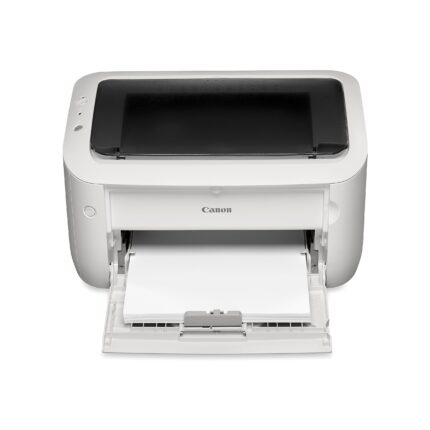
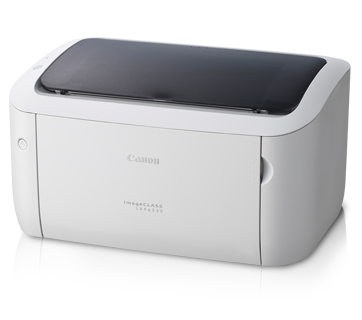
CANON IMAGECLASS LBP6030W WIFI LASER PRINTER- (1Y)
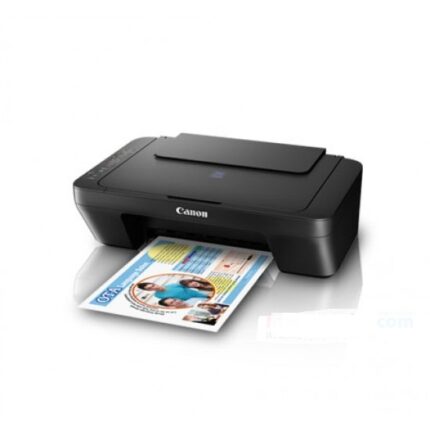
CANON PIXMA G2010 ALL IN ONE REFILLABLE INK TANK PRINTER- (1Y)
EPSON ECOTANK L3210 A4 ALL-IN-ONE INK TANK PRINTER PRINTER/SCAN/COPY
EPSON L130 INKJET PRINTER(1y)