


























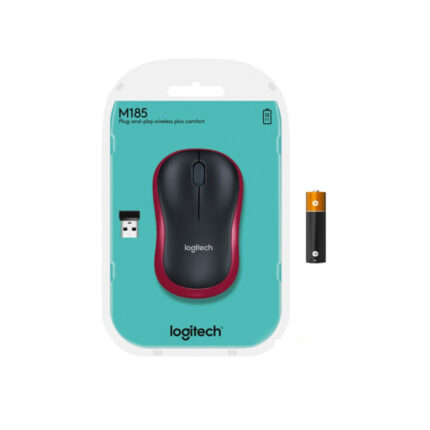
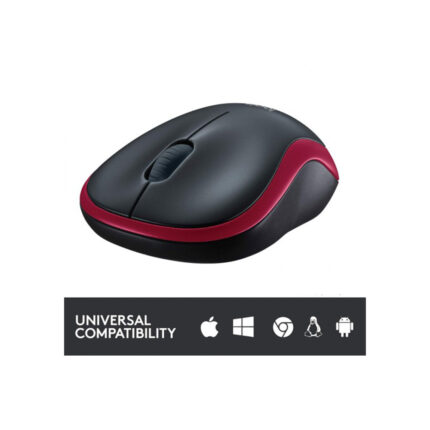
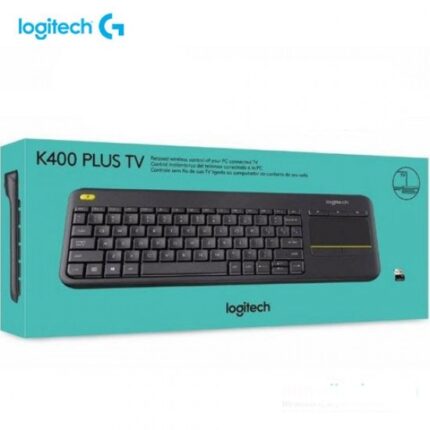
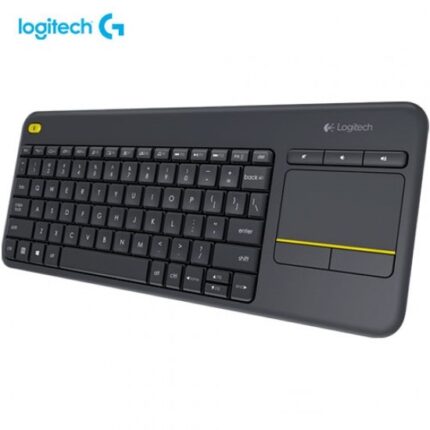
LOGITECH WIRELESS TOUCH KEYBOARD K400 PLUS – PC-TO-TV CONTROL (1Y)
රු11,800.00
3 X Rs. 3,933.33 with


or 3 X රු3,933.33 with


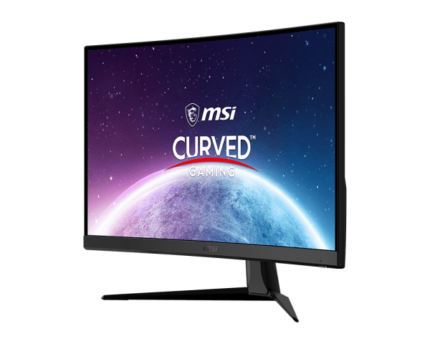
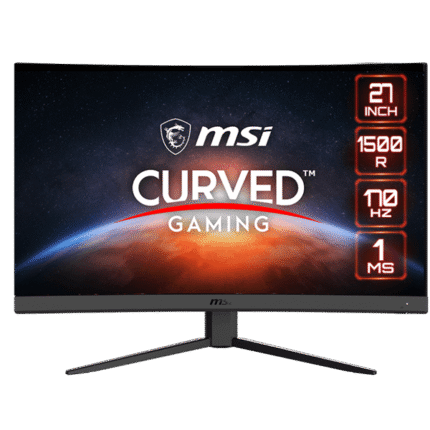
MSI OPTIX 27 INCH FHD CURVED GAMING MONITOR- (3Y)
රු127,650.00
3 X Rs. 42,550.00 with
or 3 X රු42,550.00 with


MSI Optix MAG401QR 40″ UWQHD (3440 X 1440) IPS 155Hz 1ms Adaptive Sync Gaming Monitor ( 2 YEARS WARRANTY)
රු189,999.00
3 X Rs. 63,333.00 with
or 3 X රු63,333.00 with
Core Specifications
- Screen Size: 40 inches (Flat panel)
- Resolution: 3440 x 1440 (UWQHD)
- Panel Type: IPS for wide 178° viewing angles and vibrant colors
- Refresh Rate: 155Hz
- Response Time: 1ms (MPRT)
- Color & HDR: 1.07 billion colors (sRGB 118%, DCI-P3 94%) and VESA DisplayHDR 400 certified
- Adaptive Sync: FreeSync Premium compatible
- Built-in KVM Switch: Allows you to control multiple devices (e.g., a gaming PC and a work laptop) using a single keyboard and mouse.
- Connectivity: Includes 1x DisplayPort 1.4a, 2x HDMI 2.0b, and 1x USB Type-C (which supports DisplayPort Alt Mode and 65W Power Delivery).
- Gaming Intelligence: Integrates with MSI’s Gaming Intelligence App to provide software-based features like Night Vision (to brighten dark scenes) and customizable Mystic Light RGB.
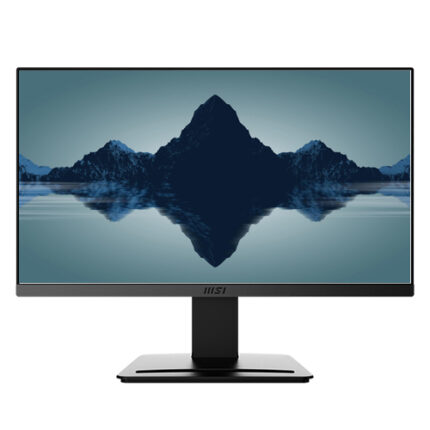
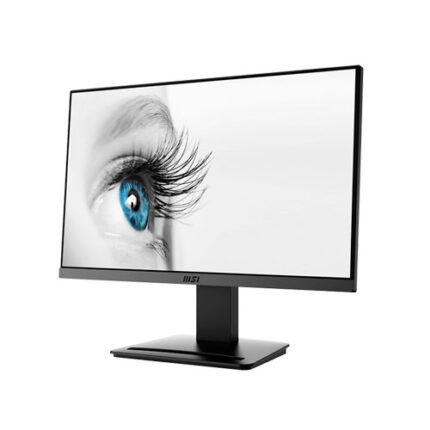


NB Dual Monitor Mount, Dual Monitor Stand fits up to 32 Inch, Mechanical Spring Monitor Arm, VESA 75/100 mm, Model-A5C (Black)
රු19,500.00
3 X Rs. 6,500.00 with
or 3 X රු6,500.00 with


NB F80 Full Motion Swivel Ergonomic Monitor Arm with Gas Spring for 17-30”Computer Monitors – North Bayou
රු12,500.00
3 X Rs. 4,166.67 with
or 3 X රු4,166.67 with
About this item
- Parameter - Monitor mount F80 fits most 17'' to 30'' monitor, gas spring monitor arm with the load from 4.4 to 19.8 lbs, VESA 75x75 & 100x100 mm
- Customize Adjustment - Built-in with ultra-precision gas-strut, allows +85° to -30° screen tilt adjustment, 360° rotation for landscape or portrait mode, upright lift 10"(260mm) and +90 to -90 degrees swivel angel, hold your monitors with an unparalleled range of motion
- Ergonomics - Using the robotic arm to adjust the display (height and angle) to fit the our posture, to reduce discomfort in the spine, neck, and shoulders caused by long-term work, gradually improving our overall health condition, enjoy it begin!
- Organized Management - The monitor mount is also designed with a cable management function - cable slot can route wires, it can keep cable organized and protected, free up desktop space and reduce clutter
- Easy to Install - Package with detailed instructions and all needed hardware. Firstly, install the product seat to the Desk or Wall, Secondly, Mount your monitor to the product, Thirdly, Push down the arm, it will be easy to adjust this tension screw accordingly to suit your monitor (Pls DON'T adjust the tension screw without the monitor on it )
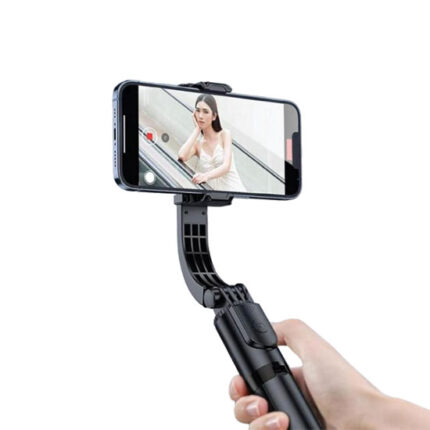
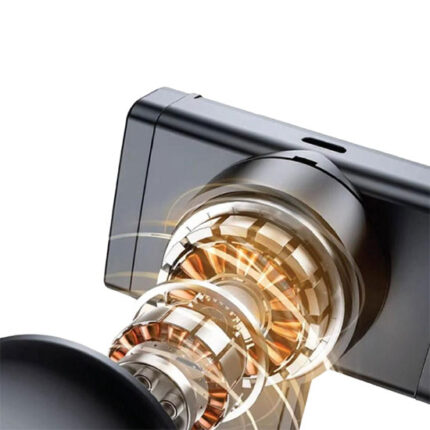
Plokama Gimbal-P66 Gimbal Stabilizer Stand Selfie Stick
රු7,999.00
3 X Rs. 2,666.33 with
or 3 X රු2,666.33 with