



























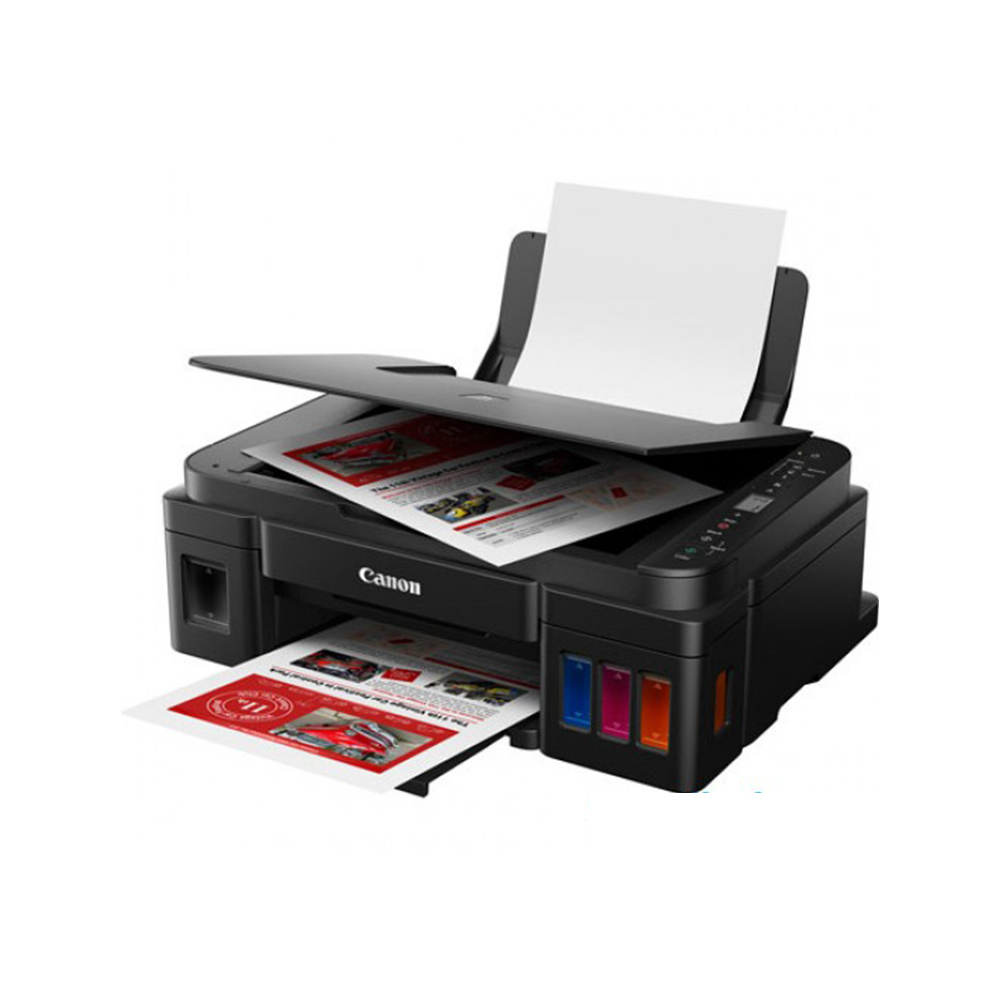
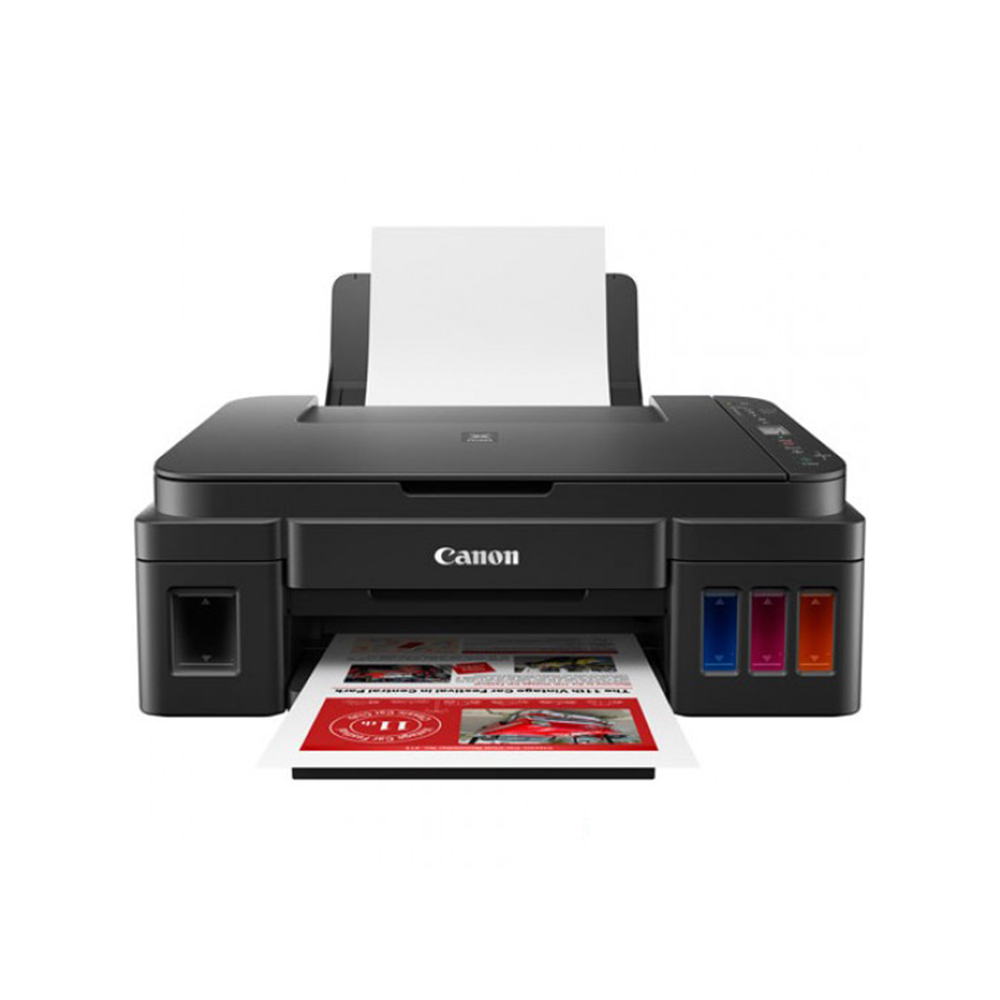
CANON PIXMA G3010 INK TANK ALL IN ONE PRINTER WITH PRINT/SCAN/COPY/WIRELESS- (1Y)
| 🏦 BANK TRANSFER /💰 CASH PAYMENT |
රු 66,655.56
රු 59,990.00
-10% OFF
|
|
🟢 KOKO / MintPay
Pay in 3 hassle-free parts
|
රු 22,218.52 × 3
Total: රු 66,655.56
|
| 💳 VISA / MASTER / AMEX |
රු 66,655.56
රු 63,322.78
-5% OFF
Powered by Genie Business
|
The Canon PIXMA G3010 is an all-in-one ink tank printer designed for convenient everyday printing, scanning and copying. With high-yield GI-790 ink bottles, integrated tanks, wireless connectivity and a 4800 × 1200 dpi maximum resolution, it is a practical choice for homes, students and small businesses.
| Weight | 11 kg |
|---|
CANON PIXMA G3010 INK TANK ALL IN ONE PRINTER (1Y)
Product Overview
If you need one printer that can handle everyday documents, scanning, copying and occasional photo printing without taking up unnecessary space, the Canon PIXMA G3010 is designed around exactly that kind of flexibility.
This multifunction ink tank printer combines print, scan and copy functions with wireless connectivity, making it easier to work from both a computer and compatible smart devices. Its integrated ink tank design also makes ink levels easy to check, while the included GI-790 black, cyan, magenta and yellow ink bottles are designed for high-volume printing.
For Sri Lankan homes, students, home offices and small businesses, the Canon PIXMA G3010 Printer Sri Lanka is particularly useful when printing is a regular part of everyday work rather than an occasional task.
Key Benefits
High-yield ink system: The printer uses GI-790 ink bottles and is designed for high page yields, with the supplied product information stating yields of up to 7,000 pages.
Print, scan and copy in one device: Instead of purchasing separate equipment, the G3010 combines three common office and household functions.
Integrated ink tanks: The built-in tank system keeps the printer compact while allowing users to see the remaining ink levels at a glance.
Wireless printing: Compatible wireless connectivity allows convenient printing from supported smart devices without requiring a direct USB connection for every print job.
Spill-resistant bottle design: The ink bottles feature a specially designed tip intended to help reduce spills during refilling.
Useful creative software: PosterArtist Lite provides more than 100 template types for creating posters and flyers, which can be useful for small businesses and simple promotional materials.
Features & Specifications
| Specification | Canon PIXMA G3010 |
|---|---|
| Model | G3010 |
| Functions | Print / Scan / Copy |
| Print Resolution | Up to 4800 × 1200 dpi |
| Ink System | Integrated ink tank |
| Ink Bottles | GI-790 Black, Cyan, Magenta, Yellow |
| Black Print Speed | Approx. 8.8 ipm |
| Colour Print Speed | Approx. 5.0 ipm |
| 4 × 6″ Photo Print | Approx. 60 seconds |
| Scanner Type | Flatbed CIS |
| Optical Scan Resolution | 600 × 1200 dpi |
| Maximum Scan Size | A4 / Letter |
| Copy Size | A4 / Letter |
| Multiple Copies | 1–20 pages |
| Wireless LAN | IEEE 802.11n/g/b, 2.4GHz |
| USB | USB 2.0 Hi-Speed |
| Display | 1.2-inch segment mono LCD |
| Paper Capacity | Up to 100 sheets of plain A4/A5/B5/Letter paper |
| Supported Paper | A4, A5, B5, Letter, Legal, photo paper, envelopes and more |
| Dimensions | Approx. 445 × 330 × 163 mm |
| Weight | Approx. 6.3 kg |
| Warranty | 1 year |
The maximum 4800 × 1200 dpi print resolution gives the Canon PIXMA G3010 the ability to produce detailed output for everyday documents and suitable photo printing. Print speed is rated at approximately 8.8 ipm for black-and-white documents and 5.0 ipm for colour documents, based on Canon’s specified testing conditions.
The flatbed scanner offers 600 × 1200 dpi optical resolution, making it suitable for digitising documents, forms and other A4-sized originals. Copying is also available directly from the printer, with support for making between one and 20 copies at a time.
The printer supports a range of media, including standard paper, envelopes and several photo paper formats. It can also produce borderless prints on supported paper sizes, including A4, Letter, 4 × 6-inch, 5 × 7-inch, 8 × 10-inch, 5 × 5-inch square and business-card formats.
For detailed technical specifications and testing information, users can refer to Canon’s official G3010 summary report.
How It Works and Why It Matters
The biggest practical advantage of the Canon PIXMA G3010 is its integrated ink tank system. Instead of relying on traditional replaceable cartridges, the printer uses refillable tanks supplied with GI-790 ink bottles.
For someone who prints frequently, this design can be more convenient because ink levels can be viewed directly on the printer. The high-yield ink system is also designed for larger print volumes, reducing the need to refill as frequently as a conventional low-capacity cartridge printer.
The refill process is designed with convenience in mind. Canon’s bottle design includes a special tip intended to reduce ink spillage while filling the integrated tanks.
Wireless connectivity adds another layer of convenience. The G3010 supports 2.4GHz IEEE 802.11n/g/b wireless networking, as well as direct wireless connection functionality. Supported mobile and cloud printing options include the Canon PRINT Inkjet/SELPHY app, PIXMA Cloud Link and other supported printing services.
This means the printer can fit more naturally into a modern home or small office setup where documents may come from laptops, desktop computers or compatible mobile devices.
Who Is It For?
The Canon PIXMA G3010 is a good fit for users who want more than basic document printing.
Home users: Print school documents, forms, letters, household records and occasional photos from a single multifunction printer.
Students: The combination of printing, scanning and copying can be useful for assignments, notes, reference documents and other academic work.
Home-office users: Wireless connectivity and integrated ink tanks make the G3010 practical when printing is part of regular remote or home-based work.
Small businesses: Businesses can use the printer for invoices, forms, notices, basic promotional materials and everyday administrative documents. PosterArtist Lite can also help create simple posters and flyers using available templates.
Frequent printers: The high-yield ink system is particularly relevant for users who print regularly and want a printer designed around larger-volume ink usage.
Why It Makes Sense for Sri Lankan Buyers
For buyers in Sri Lanka, a printer should be judged by more than its initial purchase price. Ink usage, refill convenience and the range of functions available from one device can make a noticeable difference over time.
The Canon PIXMA G3010 combines three important functions—printing, scanning and copying—so users do not need separate machines for common document tasks. Its integrated tank design is also useful for households and small offices where printing happens regularly.
The wireless function can be especially convenient in shared environments. Rather than keeping the printer directly beside one particular computer, compatible users can access it through the supported wireless setup.
Its relatively compact footprint of approximately 445 × 330 × 163 mm also makes it easier to position on a suitable desk, shelf or workspace. With a listed weight of approximately 6.3 kg, it remains manageable compared with many larger multifunction office machines.
Zoom360 currently lists the G3010 under its printer and ink tank categories, making it easy to explore other printer options if your requirements change.
What to Consider Before Buying
Before purchasing the Canon PIXMA G3010, consider how you expect to use it.
First, check your expected print volume. Its high-yield ink system makes it more appropriate for regular printing than for someone who prints only a few pages every few months.
Second, consider the type of documents you normally print. The G3010 supports standard office documents as well as various photo paper sizes, so it offers more flexibility than a basic monochrome document printer.
Third, check your device and operating-system requirements. The supplied specifications list Windows 10, Windows 8.1 and Windows 7 SP1 support, while the provided specification sheet states that Mac OS is not supported. Users should therefore confirm current driver and operating-system compatibility before purchase.
Finally, remember that advertised page yields can vary depending on the document, coverage, print settings and other usage conditions. The stated high yield should therefore be viewed as a specification rather than a guarantee of an identical number of pages in every real-world situation.
Related Products & Accessories
The G3010 uses GI-790 black, cyan, magenta and yellow ink bottles, so having the correct replacement ink available is an important part of long-term ownership.
When you need printer supplies, you can browse Zoom360’s [Cartridges & Toners category]Cartridges & Toners for compatible printing supplies and related products.
If you are still comparing multifunction printers, Zoom360’s [Printers category]Printers provides additional options across different printer types.
For users who specifically want refillable ink tank models, the [Ink Tank printer category]Ink Tank Printers is also useful when comparing alternatives.
FAQs
1. Is the Canon PIXMA G3010 a multifunction printer?
Yes. The Canon PIXMA G3010 combines printing, scanning and copying in one device.
2. Does the Canon G3010 support wireless printing?
Yes. The printer supports wireless LAN using IEEE 802.11n/g/b on the 2.4GHz band. It also supports direct wireless connection functionality.
3. What ink does the Canon PIXMA G3010 use?
The G3010 uses GI-790 ink bottles in black, cyan, magenta and yellow.
4. How many pages can the Canon G3010 ink system print?
The supplied product information states high page yields of up to 7,000 pages. Actual results can vary according to print coverage, settings and usage conditions.
5. Can the Canon PIXMA G3010 scan documents?
Yes. It features a flatbed CIS scanner with an optical resolution of 600 × 1200 dpi and supports A4/Letter-sized originals.
6. Can the G3010 print photos?
Yes. The printer supports several photo paper sizes and borderless printing on supported media. A 4 × 6-inch photo is specified at approximately 60 seconds under Canon’s stated conditions.
7. Does the Canon PIXMA G3010 come with a warranty?
The Zoom360 product listing specifies a 1-year warranty for this product.
Final Thoughts
The Canon PIXMA G3010 is built for users who want a practical all-in-one printer with the added convenience of an integrated high-yield ink system and wireless connectivity. Its ability to print, scan and copy from one compact device makes it suitable for homes, students, home offices and small businesses.
With GI-790 ink bottles, visible integrated tanks, wireless printing, a 4800 × 1200 dpi maximum print resolution and support for a wide selection of paper types, it offers a useful combination of everyday functionality and flexible printing.
If you are looking for a Canon PIXMA G3010 Printer Sri Lanka option for regular home or small-office printing, the G3010 is worth considering. Explore the product at Zoom360 and choose a printer that matches your everyday printing, scanning and copying requirements.
Related products
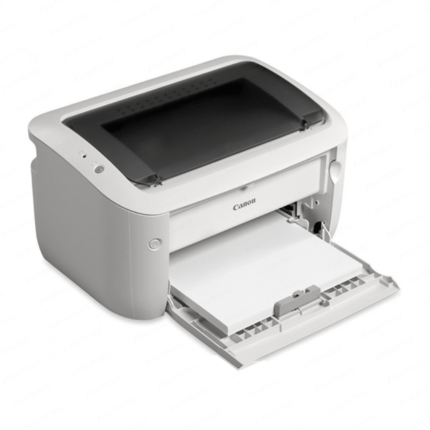
Canon Imageclass LBP6030 Laser Printer – (1Y)


HP COLOR LASER 150A PRINTER- (1Y)
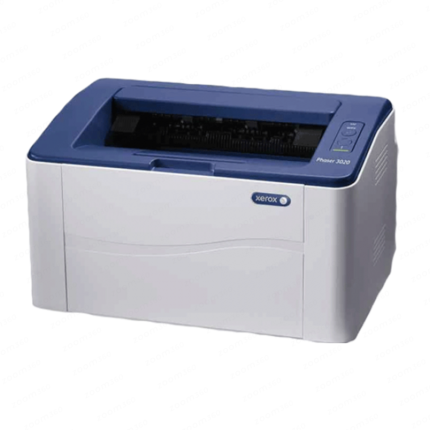
Xerox Phase 3020 Monochrome Wifi Laser Printer – (1Yr)